







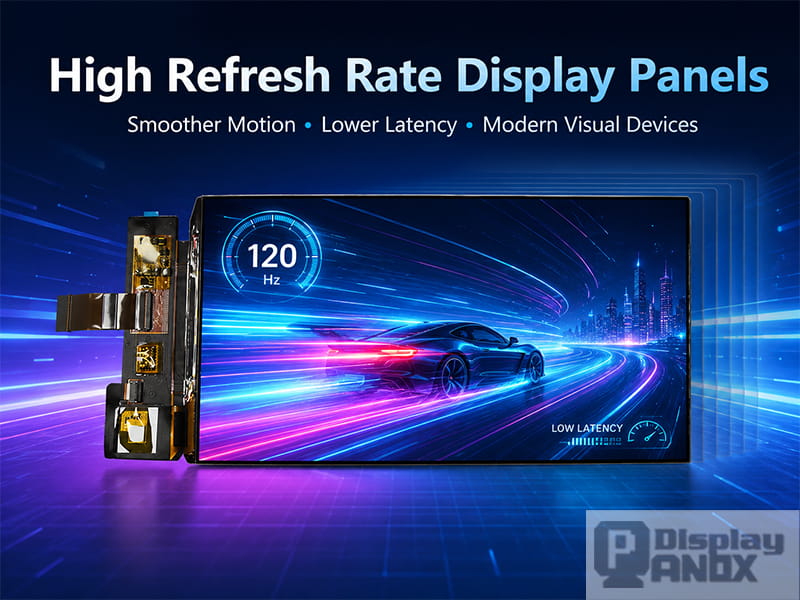
7 inch AMOLED OLED 1920X1080 Mipi
A high refresh rate monitor is often described as a display that feels smoother, faster, and more responsive than a standard 60Hz screen. That description is easy to understand, but it only tells part of the story. Behind every smooth gaming monitor, VR headset, AR optical engine, handheld device, or compact industrial display, refresh rate is tied to panel driving, pixel response, interface bandwidth, image processing, power consumption, and the way human vision perceives motion.
For display engineers and product developers, “high refresh rate” is more than a marketing number printed on a specification sheet. A 90Hz, 120Hz, 144Hz, or 240Hz display panel must refresh images more frequently while keeping motion clear, brightness stable, latency low, and signal transmission reliable. This is why high refresh rate display panels are now used not only in gaming monitors, but also in VR headsets, AR near-eye displays, professional handheld terminals, simulation systems, medical visualization, 3D printing equipment, and other applications where motion clarity matters.
Panox Display supplies small and medium-size LCD, AMOLED, and Micro OLED panels for projects where refresh rate, resolution, panel size, interface, and driving solution need to be considered together. For many customers, the key question is no longer simply “Do I need a high refresh rate monitor?” A better question is: “What refresh rate is suitable for my device, my content, and my driving hardware?”
What Is a High Refresh Rate Display?
Refresh rate describes how many times a display updates its image per second. A 60Hz display refreshes 60 times per second. A 90Hz display refreshes 90 times per second. A 120Hz display refreshes 120 times per second. The higher the number, the shorter the time between two displayed frames.
In practical terms, the frame interval changes like this:
| Refresh Rate | Time per Frame | Common Use |
|---|---|---|
| 60Hz | about 16.7 ms | basic display, office screen, simple embedded UI |
| 90Hz | about 11.1 ms | VR display, smoother handheld display, near-eye applications |
| 120Hz | about 8.3 ms | gaming monitor, fast LCD, Micro OLED, VR/AR display |
| 144Hz and above | below 7 ms | high-end monitor, esports display, advanced simulation |
This shorter frame interval is the reason high refresh rate monitors feel smoother during scrolling, camera movement, gaming, and fast animation. The display has more opportunities to update the image, so motion appears more continuous and input feedback can feel more immediate.
However, refresh rate does not work alone. A panel also needs fast pixel response, stable driving, enough interface bandwidth, suitable backlight or OLED emission control, and a system that can actually provide enough frames. A 120Hz panel driven by unstable hardware will not deliver the same visual quality as a properly tuned 120Hz display system.
Why High Refresh Rate Matters
The most visible advantage of a high refresh rate display is smoother motion. When an object moves across a screen, a higher refresh rate reduces the distance that object travels between displayed frames. This makes fast movement easier to follow, especially in games, VR content, scrolling interfaces, camera previews, drone FPV systems, and real-time control panels.
High refresh rate can also reduce perceived latency. In interactive systems, every millisecond between a user action and the displayed response affects the experience. For a desktop monitor, that may influence gaming or cursor movement. For VR and AR, the impact is more serious because the image must respond to head movement quickly. If the displayed image lags behind the user’s motion, the result can feel unstable, uncomfortable, or visually disconnected.
Another benefit is motion clarity. A moving object on a low refresh rate display can look blurred, doubled, or less readable. This is especially noticeable with text, UI icons, thin lines, and high-contrast edges. In small high-PPI panels used for VR and AR, motion blur can become more obvious because the user views the display through optical lenses, often with the image enlarged in the field of view.
That is why many near-eye display products use 90Hz or 120Hz as a practical performance target. It offers a better balance between smoothness, power consumption, panel driving difficulty, and content compatibility.
High Refresh Rate Monitor vs High Refresh Rate Display Panel
People often search for “High Refresh Rate Monitor” when they want a finished screen product. In the display supply chain, the monitor is only the final form. The core component is the display panel, and the panel determines many of the limits of the final device.
A monitor includes the panel, driver board, housing, power system, interface ports, firmware, and sometimes touch or audio functions. A display panel is the optical and electrical display component itself. For embedded products, AR/VR headsets, handheld devices, medical equipment, and industrial systems, developers often need the panel first, then design or select the controller board around it.
For example, a 2.9 inch 120Hz TFT-LCD for VR may use a MIPI interface and require a matching HDMI-to-MIPI or custom controller board. A 0.5 inch Micro OLED with 1600×1200 resolution and 60Hz to 120Hz frame rate may be selected for AR, viewfinder, or near-eye display projects, where compact size and high pixel density are more important than a large desktop monitor format.
This is why high refresh rate panel selection should start from the application, not from the Hz number alone.
OLED, Micro OLED, and Fast LCD: How They Differ in High Refresh Rate Applications
Different display technologies can all support high refresh rate, but they do it in different ways.
Fast LCD panels remain widely used because they can offer mature manufacturing, high resolution, high brightness, and good cost control. In VR and handheld devices, small high-PPI TFT-LCD panels can provide 90Hz or 120Hz refresh rate with MIPI input. The challenge is that LCD pixel transition depends on liquid crystal response, overdrive tuning, temperature, and backlight structure. A fast LCD needs careful evaluation of gray-to-gray response, motion blur, brightness, and viewing performance.
AMOLED panels have self-emissive pixels, high contrast, wide viewing angle, thin structure, and fast response characteristics. For VR headsets and compact premium devices, AMOLED can provide vivid color and deep black while supporting refresh rates such as 90Hz. The design considerations are different from LCD: OLED lifetime, brightness control, burn-in risk, power consumption under different image content, and driving mode all need attention.
Micro OLED is especially important for AR, electronic viewfinders, thermal imagers, and other near-eye systems. A Micro OLED panel is built on a silicon backplane, which allows very high pixel density in a tiny active area. A 0.5 inch 1600×1200 Micro OLED with 60Hz to 120Hz frame rate, high PPI, MIPI interface, and integrated driving architecture can be a strong candidate for compact optical modules. In these systems, resolution, brightness, contrast, size, and optical compatibility are just as important as refresh rate.
Why VR and AR Need Higher Refresh Rates
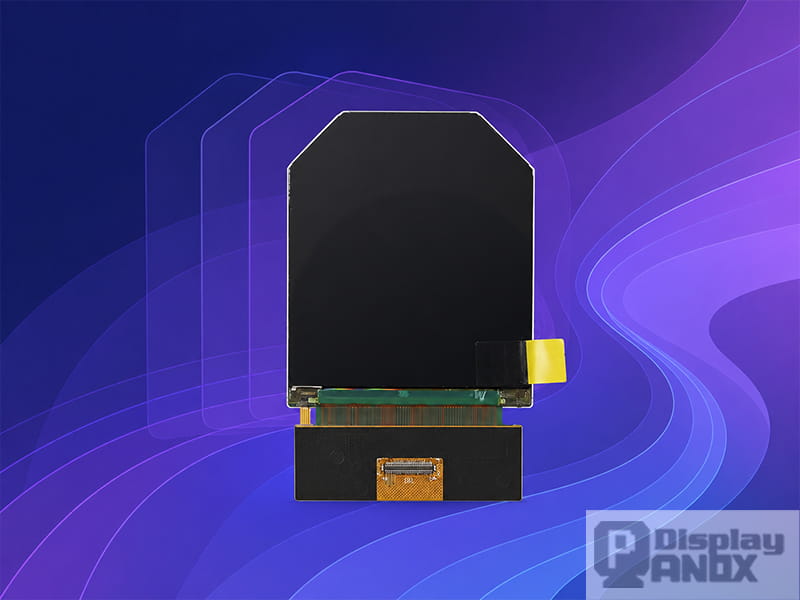
2.54 inch round/circular TFT-LCD For VR
VR and AR place stricter demands on display panels than ordinary monitors. The display is close to the eye, the image moves with head motion, and the optical system can magnify both image detail and visual defects. When the refresh rate is too low, the user may notice judder, motion blur, latency, or discomfort more easily.
For VR headsets, 90Hz is commonly used because it offers smoother motion than 60Hz while keeping system cost and power demand within a practical range. Higher refresh rates such as 120Hz can further improve motion smoothness and reduce the time between frame updates, provided the graphics system and display driver can keep up.
For AR glasses and near-eye optical engines, refresh rate interacts with brightness, persistence, and optics. A high refresh rate Micro OLED can help create a more stable image, but the panel must also support enough luminance after optical loss. If the optical path reduces brightness significantly, a high refresh rate alone will not produce a good AR experience. The final image depends on panel brightness, contrast, pixel density, refresh rate, optical efficiency, and thermal design.
This is why high refresh rate display selection for VR and AR should consider the whole optical-display system. A panel that works well for one headset design may not be ideal for another product with a different lens, field of view, driving board, or thermal structure.
Motion Blur, Response Time, and Refresh Rate
A common misunderstanding is that a higher refresh rate automatically removes motion blur. In real products, motion blur has several causes.
The first is frame interval. A 120Hz display updates more often than a 60Hz display, so motion can appear smoother. The second is pixel response. If a pixel cannot transition quickly enough between colors, moving edges may smear or leave trails. The third is sample-and-hold behavior. Many modern LCD and OLED displays hold each frame on screen until the next frame arrives. During eye tracking motion, the viewer’s eyes continue moving while the displayed frame remains static for a short time, which can create perceived blur even when pixel response is fast.
This is why a high refresh rate monitor with poor response tuning may still look blurry, and why an OLED panel with very fast pixel response can still show some sample-and-hold motion blur in certain conditions. Real motion clarity depends on refresh rate, response time, overdrive behavior, frame timing, brightness method, and the way the content is rendered.
For product development, it is better to evaluate the complete visual result instead of relying on a single specification. A good high refresh rate panel should deliver smooth motion without severe overshoot, flicker, frame skipping, unstable brightness, or unwanted artifacts.
Interface Bandwidth: The Hidden Requirement Behind High Refresh Rate
A higher refresh rate increases the amount of image data that must be transferred every second. Resolution, color depth, refresh rate, and interface type all affect bandwidth.
For example, a small 2.9 inch VR panel with 1440×1440 resolution at 120Hz may require a much more demanding signal path than a lower-resolution 60Hz embedded display. A Micro OLED panel with 1600×1200 resolution and 120Hz frame rate may use MIPI DSI with multiple lanes and compression support. If the interface, controller board, or main processor cannot support the required bandwidth, the panel cannot reach its intended performance.
This is one reason many high refresh rate display panels use MIPI for compact devices. MIPI DSI is widely used in smartphones, VR displays, AR modules, and embedded display systems because it supports high-speed serial data transmission in a compact connector format. For development, HDMI-to-MIPI, Type-C-to-MIPI, or custom controller boards may be needed when the host system does not directly output MIPI.
When choosing a high refresh rate display panel, engineers should confirm the following points early in the project:
refresh rate at native resolution, supported interface, lane configuration, driver IC, required initialization code, timing parameters, controller board availability, power rails, backlight or OLED driving requirements, and thermal behavior under continuous operation.
These details are less visible than the refresh rate number, but they decide whether the display can actually be used in a real product.
How to Choose a High Refresh Rate Display Panel
The best high refresh rate display panel depends on the application.
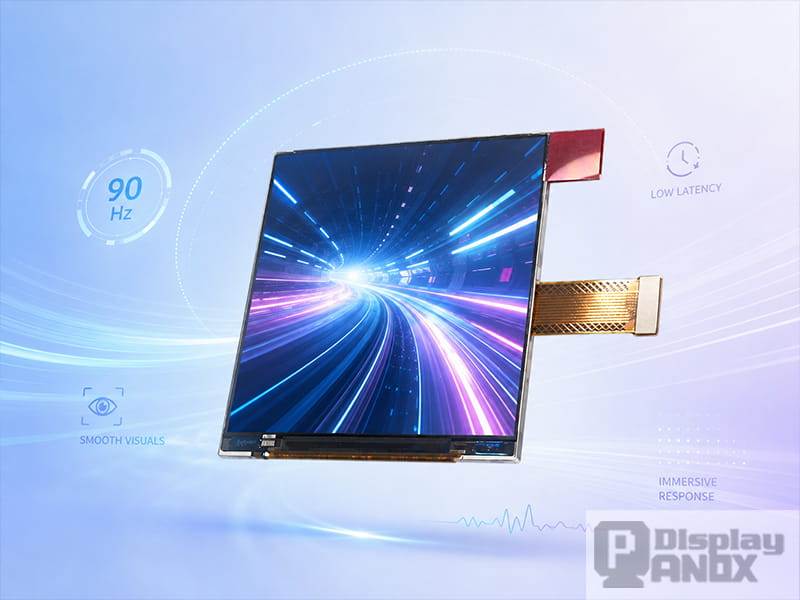
For VR headsets, the priority is usually high PPI, low latency, 90Hz or 120Hz refresh rate, suitable resolution per eye, stable MIPI driving, and optical compatibility. A 2.9 inch 120Hz TFT-LCD or a 3.5 inch 90Hz AMOLED can be relevant depending on the target design, optical system, and cost structure.
For AR and near-eye modules, Micro OLED is often attractive because of its compact size, very high pixel density, high contrast, and silicon backplane structure. A 0.5 inch 1600×1200 Micro OLED with 60Hz to 120Hz frame rate can be used in applications such as AR, viewfinders, head-mounted displays, military sighting systems, and thermal imaging modules.
For handheld devices, a high refresh rate panel can improve UI responsiveness, video preview, map movement, game interaction, and camera-based operation. The final choice may depend more on size, touch integration, sunlight readability, power consumption, and interface compatibility.
For industrial and professional systems, refresh rate should match real use conditions. A machine control display may not need 120Hz if the UI is mostly static. A simulation, inspection, robotic control, or dynamic imaging system may benefit from faster refresh, especially when moving images must remain readable.
A practical selection process begins with the device scenario, then narrows the panel by size, resolution, refresh rate, display technology, luminance, interface, touch requirement, and controller board options.
When Is 90Hz Enough, and When Is 120Hz Better?
A 90Hz display can already feel much smoother than 60Hz, especially in VR, handheld interfaces, and compact displays. It reduces the frame interval to about 11.1 ms and is often a good balance between performance and system load.
A 120Hz display reduces the frame interval to about 8.3 ms, which can improve fast motion, interaction feedback, and near-eye display comfort. It is more suitable when the device shows rapid motion, real-time camera feeds, simulation content, gaming graphics, or fast UI transitions.
For many embedded products, 90Hz and 120Hz are more realistic than very high monitor-class values such as 240Hz or 360Hz. Small high-resolution panels must manage bandwidth, heat, power, and driver complexity. The most suitable refresh rate is the one the complete system can sustain reliably.
Panox Display High Refresh Rate Panel Solutions
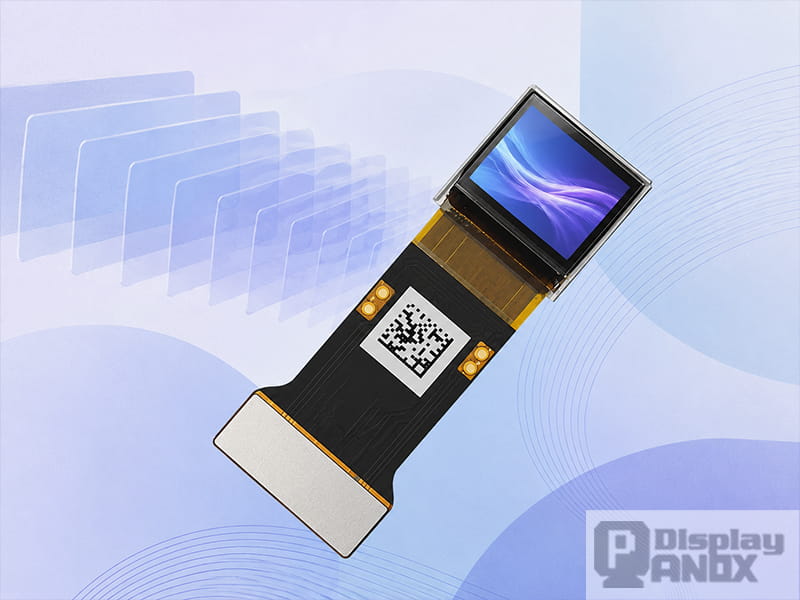
0.5 inch 1600x1200 Micro OLED 1000 cd luminance 120 Hz
Panox Display focuses on small and medium-size LCD, OLED, AMOLED, and Micro OLED display panels. For high refresh rate applications, the current product range includes VR LCD panels, VR OLED panels, and compact Micro OLED panels with MIPI interface and available controller board support.
Representative options include 90Hz VR OLED panels, 90Hz and 120Hz VR TFT-LCD panels, and a 0.5 inch 1600×1200 Micro OLED supporting 60Hz to 120Hz. These displays are suitable for projects such as VR headsets, AR optical modules, near-eye displays, electronic viewfinders, handheld equipment, simulation systems, and custom display development.
Panox Display can also support customers with HDMI/Type-C controller boards, MIPI driving solutions, connectors, cover glass, touch panel customization, and technical documents for development. For engineers who need a display panel for a new product, this support is often as important as the panel itself, because high refresh rate performance depends on both the display and the driving system.
Conclusion
A high refresh rate monitor is easy to recognize from the user side: motion looks smoother, input feels quicker, and fast content is easier to follow. For product developers, the topic is deeper. A high refresh rate display panel must combine refresh rate, response time, resolution, interface bandwidth, brightness, power consumption, and driver compatibility in one stable system.
For VR, AR, handheld, industrial, and professional display products, choosing the right high refresh rate panel can improve comfort, clarity, and interaction quality. The goal is not simply to choose the highest Hz value available. The goal is to match the refresh rate to the application, the optical path, the processing hardware, the interface, and the final user experience.
Panox Display provides high refresh rate LCD, AMOLED, and Micro OLED panel options for customers developing compact visual devices. Whether the project needs a 90Hz VR display, a 120Hz fast LCD, or a high-PPI Micro OLED for near-eye systems, the right panel and driving solution can turn high refresh rate from a specification into a real visual advantage.
Learn more: Applications of High Refresh Rate Monitor and Display Panels